


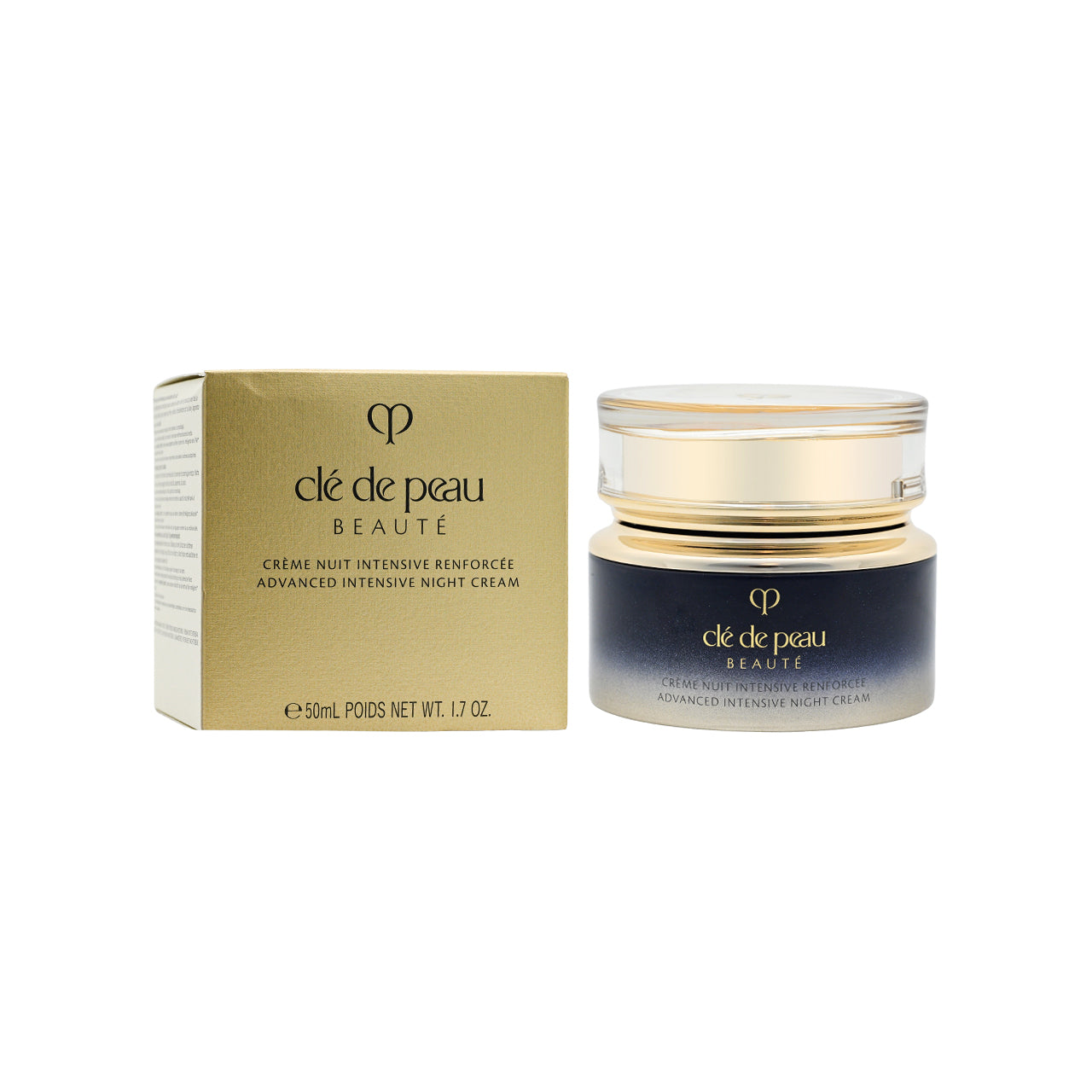
Clé de Peau
Night Cream
$95
Place a presenter beside your content and offer contextual help at a configured moment. Visitors choose whether to continue.
For businesses that want to guide visitors through a product, offer or decision.
A visitor is comparing options on a product page.
For businesses that want to guide visitors through a product, offer or decision.
See the retail exampleShare your business website and work email below. We’ll follow up to discuss your use case, show a relevant example and identify the setup it needs.
Answer questions with approved knowledge, offer useful guidance and connect customers with your team. Explore a retail example below.
Give shoppers a natural invitation to ask, compare, or take the next step. Birdy brings your consultant experience onto the storefront.
Consultant availability and behaviour depend on platform, scenario rules, and store configuration.
Help shoppers describe what they need, explore relevant products, and compare their options using your catalog and approved knowledge.
Clé de Peau
Night Cream
$95
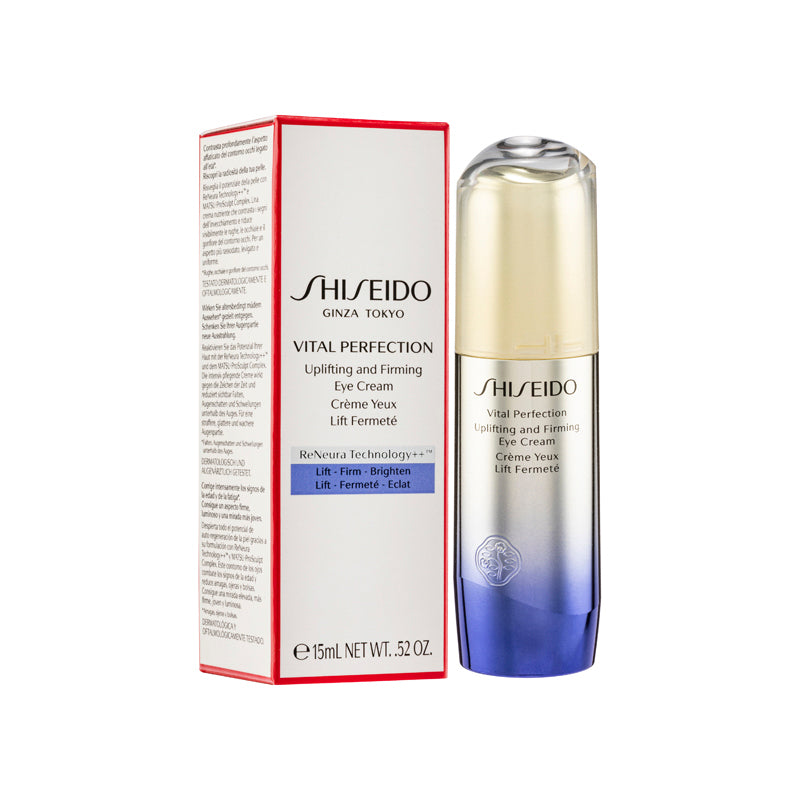
Shiseido
Eye Cream
$68
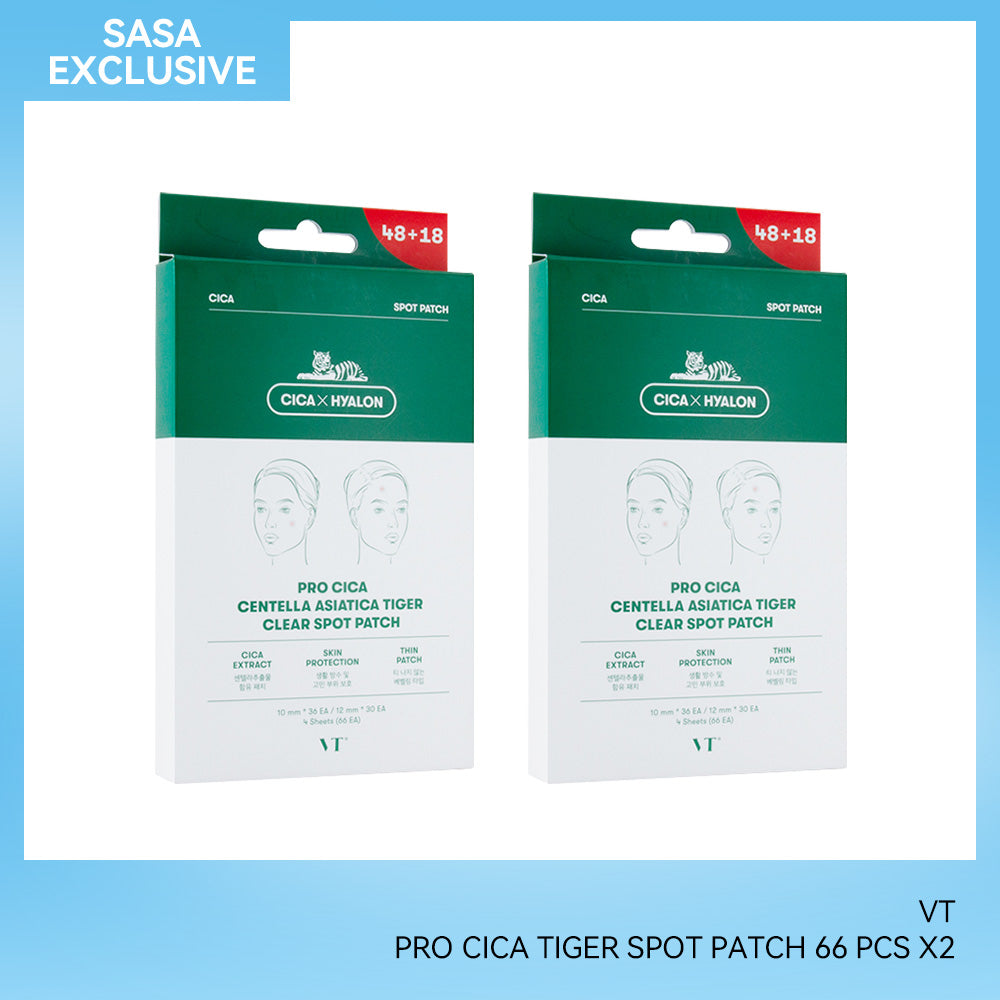
VT Pro Cica
Spot Patch
$22
Connecting you to the team — history and cart attached.
Priya · Support joined
Priya left the chat · you are back with AI
 Powered byCHATTERgo
Real product imagery. Scripted example replies; no live AI service is connected.
Bring relevant product selections into the storefront itself, then let shoppers ask why a product might suit their needs.
Available recommendation rows depend on the placement, model readiness, and store setup.
Clé de PeauShiseidoVT Pro CicaSelect “Ask about this” to open the product in the example conversation.
Presenter re-checks about every 90 seconds using page type, cart, browsing activity, and chat so far. Six moments: Browsing, Considering, Undecided, Cart hesitation, Checkout ready, and Post-purchase. Cart hesitation is a cart idle for 15 minutes or more, or a stalled checkout.
In Public Setup, under Consultant, you write message rules by moment and page type, with priority and per-visit limits. Templates cover Nudge to checkout, Offer help, Limited-time offer, Recommend pairings, and Post-purchase care. Optional AI-written messages in the shopper language and your brand voice: Off, Review first, or Live. AI cannot invent prices or codes.
Quick prompts and Ask us open normal CHATTERgo chat with that question. If Conversations is set up, handover works the usual way. The bubble does not pass the moment, offer, or products into chat.
Share your website and work email. We’ll follow up with a demo focused on your customer service, sales or team workflow.
Checking form availability…