
This guide takes you from zero to your first AI conversation. Most stores can complete it in under an hour.
1. Sign in to the dashboard
Go to app.chattergo.com and sign in with your work account. New organizations can request access from the contact page.
2. Connect your store
Connect your eCommerce platform so agents can see your products and orders.
- Shopify — install the CHATTERgo app from the Shopify App Store. The app syncs your catalog and connects your storefront widget automatically. See Shopify integration.
- Magento / Adobe Commerce and OpenCart — reach out through the contact page and we will help you connect your store.
The first catalog sync may take a while for large stores. You can watch progress from the dashboard.
3. Install the chat widget
The chat widget is how shoppers talk to your agents on your storefront. On Shopify, the widget is added through the theme editor as an app block — see Storefront widget for setup and customization.
4. Test a conversation
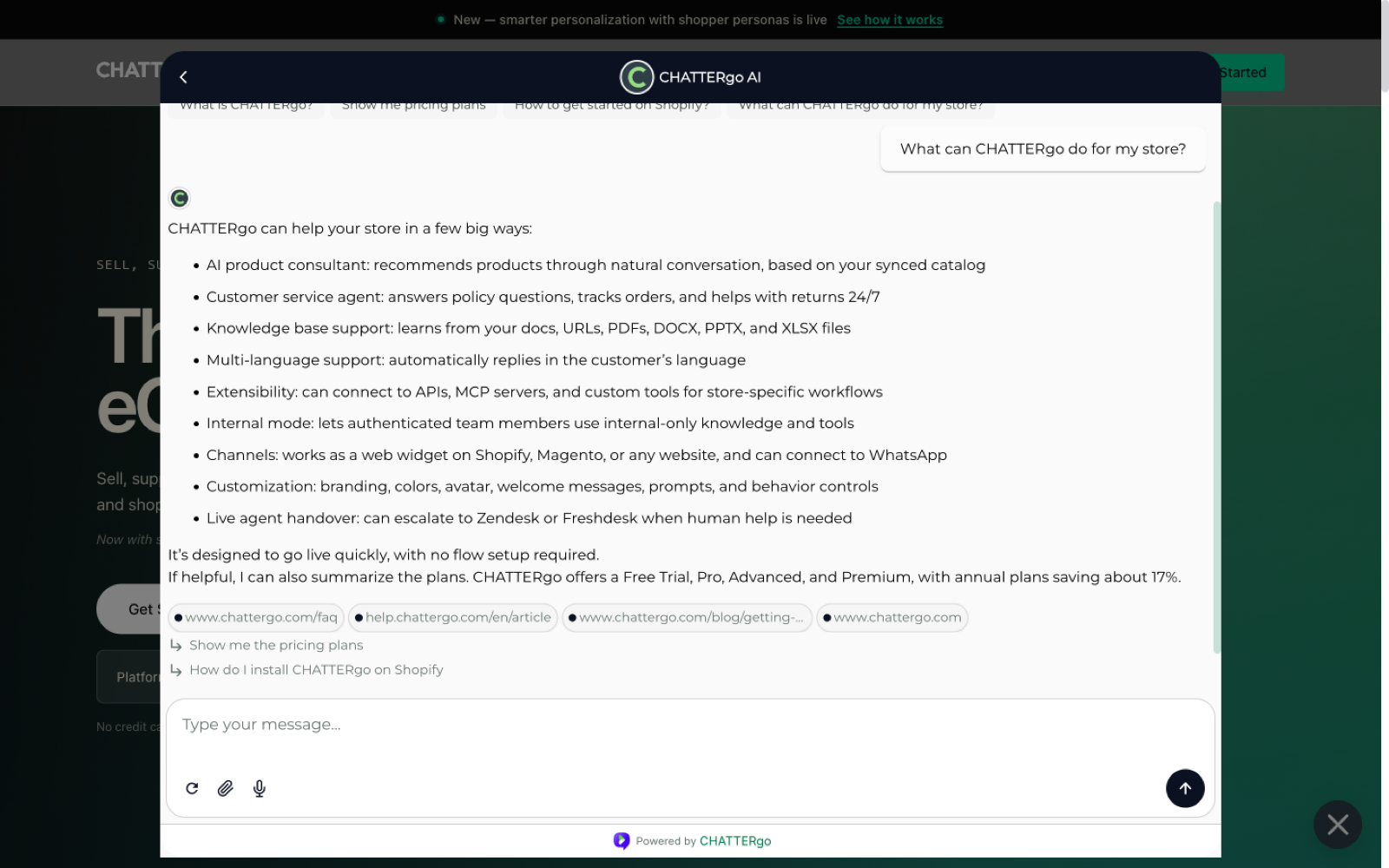
Open your storefront and start a chat. Try questions your shoppers really ask:
- "Do you have this in a medium?"
- "Where is my order?"
- "What goes well with this?"
Watch how the agent answers, recommends products, and offers the cart. If a conversation needs a human, it appears in your dashboard inbox.
5. Set up your team
Invite teammates to the dashboard so they can review conversations and handle handovers. Each teammate signs in at app.chattergo.com with their own account.
Next steps
- Understand how conversations reach your team in Inbox and human handover.
- Learn how AI agents decide what to say and when to escalate.
- Customize the storefront widget to match your brand.
- Questions? Contact us — we are happy to help.